Dialing engine

Keep every line busy
until the list is done

Concurrency, retries, AMD, windows, and number rotation — the machinery that turns a contact list into completed calls.

Concurrent calling

Throughput that matches your list, not your headcount

Run many calls simultaneously per campaign — set the concurrency and the engine keeps every line busy until the list is done.

  • Dial dozens of contacts at once per campaign
  • Finish thousands of numbers in hours, not weeks
  • Scale concurrency up or down without rewriting flows
  • Watch live lines fill as the queue drains

Team collaborating in a modern office

Retry with backoff

Missed once doesn't mean missed forever

No-answer, busy and failed calls retry automatically. You control the maximum attempts and the backoff interval between them.

  • Automatic retries for no-answer, busy, and failed
  • Configure max attempts and backoff intervals
  • Respect calling windows on every retry
  • Stop wasting seats on one-and-done dials
Person planning work on a desk

Answering Machine Detection

Know who picked up before the pitch starts

AMD distinguishes a human pickup from voicemail or a corporate IVR within seconds — agents leave a message or navigate accordingly.

  • Detect human vs voicemail vs IVR in seconds
  • Leave the right message when nobody answers
  • Skip dead air and wasted talk tracks
  • Keep connected minutes pointed at real people
Studio microphone on a dark desk

Calling window enforcement

Compliant hours, every timezone, automatically

Define allowed hours and days per campaign, in the contact's timezone. Outside the window, calls queue — they never fire.

  • Set hours and days per campaign
  • Honor each contact's local timezone
  • Queue outside the window — never fire early
  • TCPA-aware dialing without a spreadsheet
Analog clock face close-up

Number rotation

Protect reputation while you scale outbound

Outbound caller ID rotates across your number pool, with automatic cooling for numbers that pick up spam flags.

  • Rotate caller ID across your number pool
  • Cool flagged numbers automatically
  • Keep answer rates healthier over long campaigns
  • Operate pools without manual number babysitting
Smartphone held against a colorful background

Agents

A voice that fits the brand
and knows when to escalate

Prompts, tools, personas, and live handoff so every client gets an agent that sounds right and stays in control.

Custom agents per client

One platform, a dedicated agent for every brand

Every client gets their own agent: custom prompt and instructions, a scoped toolset, and a call flow built for their use case.

  • Isolated prompts and instructions per client
  • Scoped toolsets matched to the use case
  • Call flows you configure — not one generic script
  • Agencies run many brands without crosstalk
Robot hand reaching toward a human hand

Voice & persona picker

Sound like the brand — not a generic bot

Choose the accent, voice and tone that fits the brand. Preview every voice before you commit.

  • Pick accent, voice, and tone per agent
  • Preview before you ship to production
  • Match hospitality warmth or finance clarity
  • Swap personas without rebuilding the campaign
Broadcast microphone in a recording studio

Multilingual operation

Meet the contact in the language they pick up in

Run an agent in one language or many — it detects the contact's language and switches mid-call if configured.

  • Single-language or multilingual agents
  • Detect and switch mid-call when configured
  • Serve India and global floors from one workspace
  • No separate campaign per language required
World map travel flat lay

Human ↔ agent handoff

Humans for exceptions. Agents for volume.

Live transfer in both directions: agents escalate to your team, and your team can hand routine calls back to an agent.

  • Warm-transfer the moment a person is needed
  • Pass context so the human never starts cold
  • Hand routine calls back to the agent live
  • Keep floors focused on conversations that matter
Two people shaking hands in a meeting

Data & compliance

Context in, outcomes out
with audit-ready records

CRM sync, DNC, recordings, fire-and-forget campaigns, and analytics that measure calling outcomes — not vanity metrics.

CRM read & write

Context before the greeting. Outcomes after hangup.

Agents pull contact context before dialing and write outcomes, notes and follow-ups back — during the call and after it.

  • Read CRM fields before every dial
  • Write notes, statuses, and follow-ups back
  • Sync during the call and after it ends
  • Keep HubSpot, Salesforce, or Sheets as source of truth
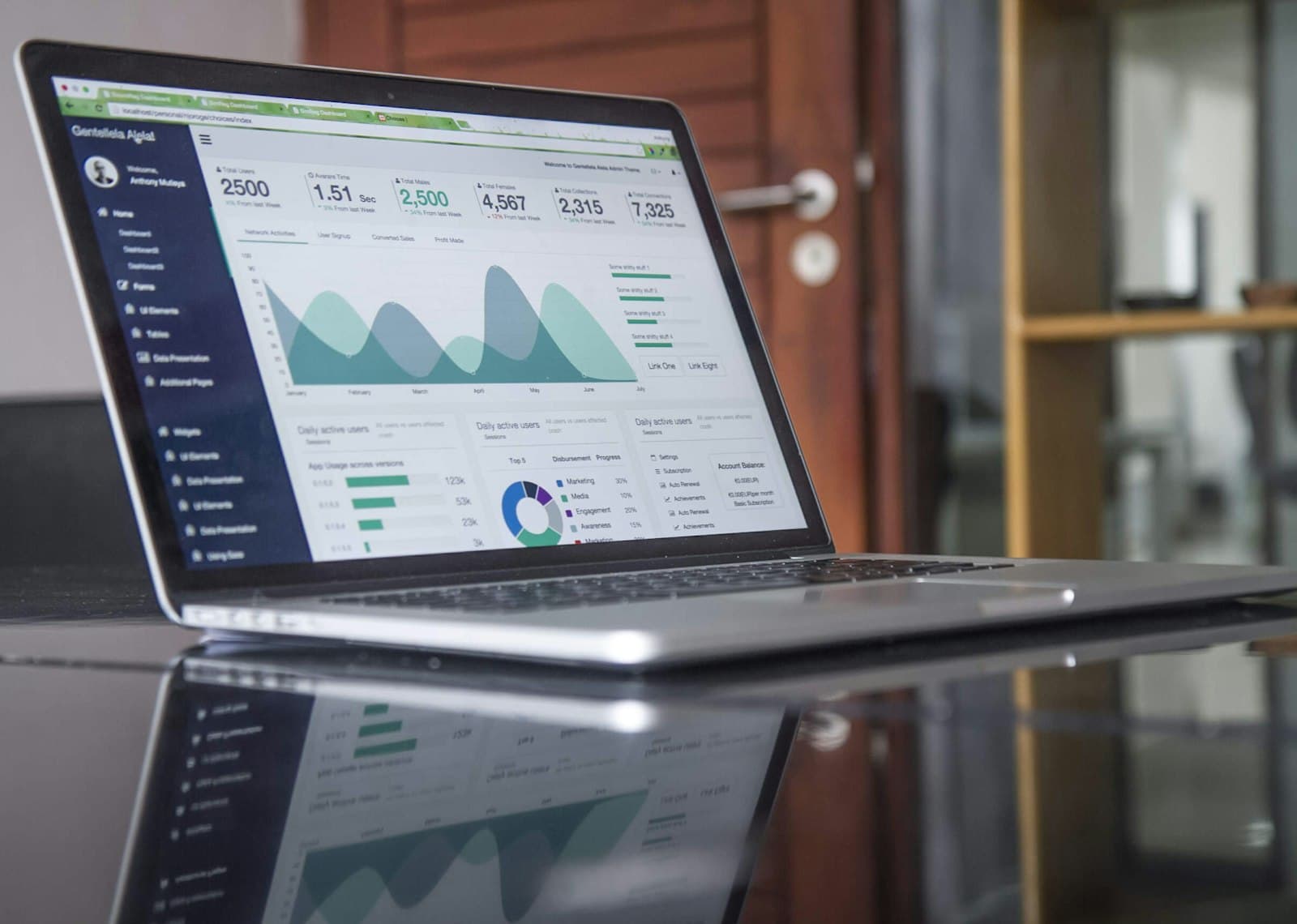
Analytics dashboard on a laptop

Opt-out / DNC recognition

Opt-outs captured once — enforced everywhere

A verbal "stop calling me" or a keypress is captured automatically and enforced across every future campaign.

  • Detect verbal and keypress opt-outs on the call
  • Enforce across every future campaign automatically
  • Cut compliance busywork and spreadsheet DNC lists
  • Audit-friendly records when you need them
Secure mobile authentication on a phone

Call recording

Every conversation, searchable when you need it

Every call is recorded and retained. Recordings and transcripts are available to your business on request.

  • Record calls with retention you control
  • Transcripts and summaries for operators
  • Audit outcomes without scrubbing hours of audio
  • Available to your business on request
Audio mixing console in a studio

Fire-and-forget campaigns

Define the goal once. Let the campaign finish itself.

Upload or connect a contact list, define the goal once, and let it run. Get notified on completion with a full report.

  • Upload or connect a contact list
  • Set the outcome goal and launch
  • Get notified when the campaign completes
  • Full report without babysitting the dialer
Team working around a conference table

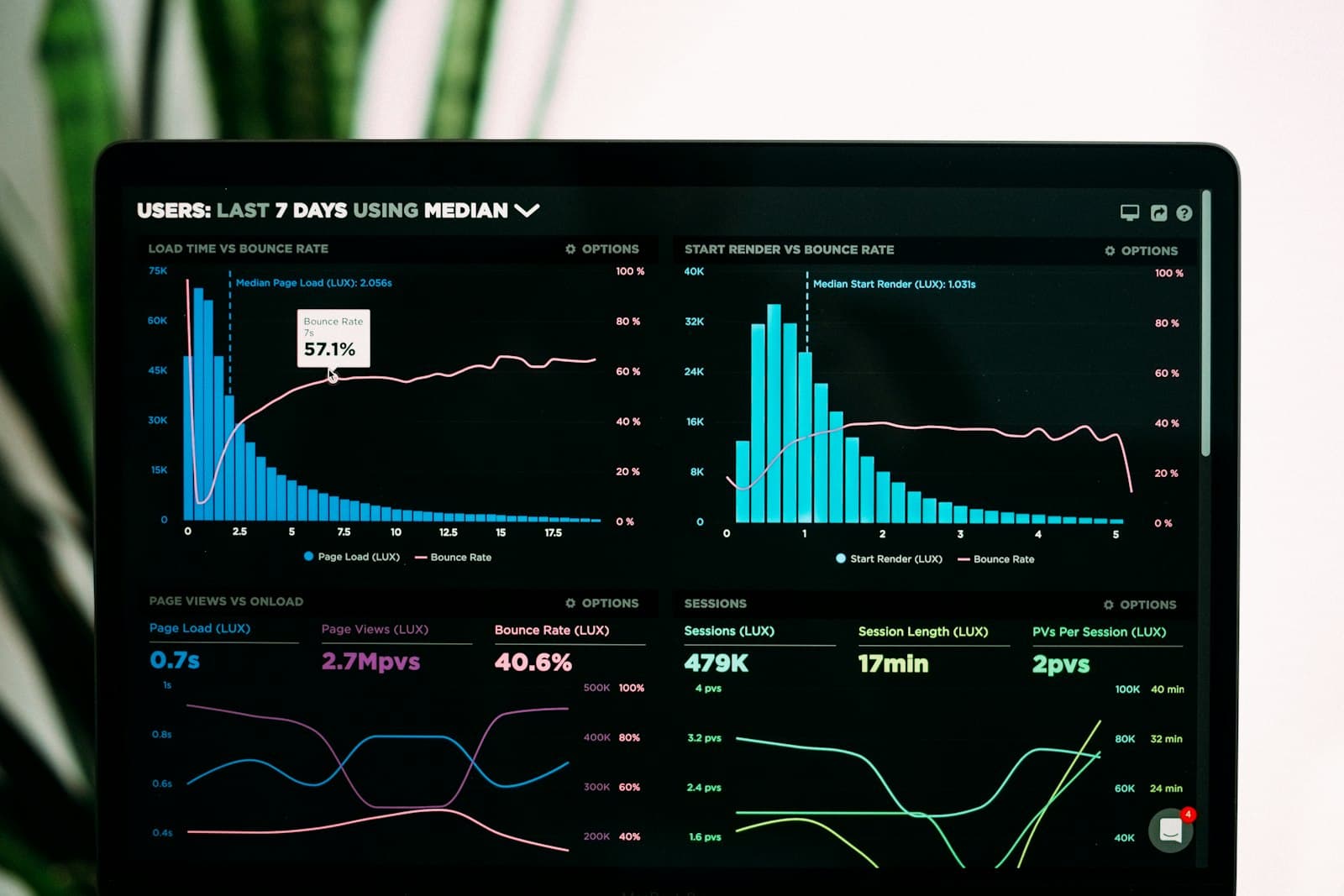
Outcome analytics

Measure what calling actually produced

Call outcomes, volumes, campaign-level reporting, sentiment analysis and cost-per-outcome ROI — per agent and per campaign.

  • Outcomes and volumes per campaign
  • Sentiment trends across the dial list
  • Cost-per-outcome ROI you can defend
  • Break down by agent and by campaign
Charts and graphs on a monitor

Integrations

Plugging into the tools
you already run

Agents pull context from Sheets or Notion before dialing and write outcomes back — Slack alerts when something needs a human.

Ready to run your first campaign?

Create a workspace, configure an agent, and launch — your dashboard unlocks after you sign up.

Get started

Launch your first campaign in under 10 minutes

Free to start. No credit card. Your first 100 calls are on CallEasify — configure an agent, upload a list, and go live the same afternoon.

No dialer to babysit · No scripts to record · Live in minutes